
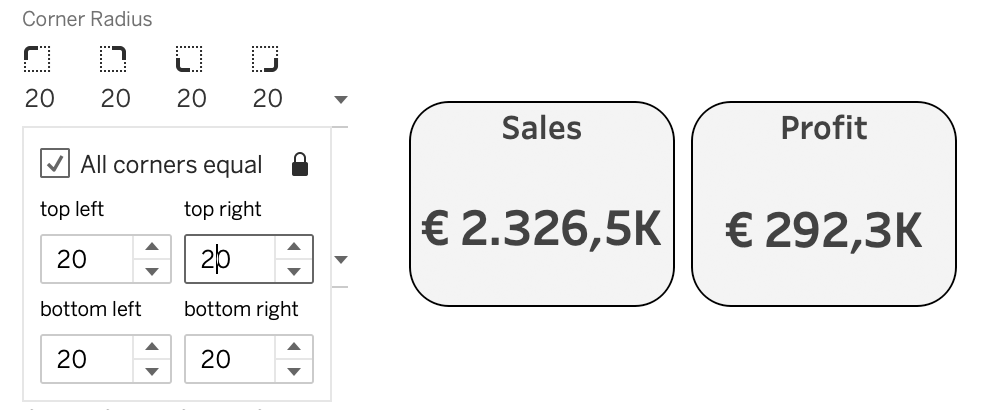
Version 2026.1 of Tableau is released with – among other features and improvements – Rounded Corners! A long awaited feature by many, with some doubts on the necessity by others…
According to the New Features list:
Set a corner radius for dashboard objects directly in Tableau Desktop and Web Authoring. Say goodbye to jumping through hoops with annotations or images. Just set the radius value to create a simple rounded corner or a more extreme corner radius to create different shapes.
Creative Use
Besides the obvious use-case of ‘widgets’ with rounded corners this new formatting feature has some more possibilities.
As with any new Tableau feature, it’s fascinating to see the creative ways the community pushes its boundaries.
For me, this update provided a straightforward way to execute an admittedly niche concept that was previously a headache to build: a map featuring a functional magnifying loupe for zooming in on details. Standard square maps can feel ‘boxy’; rounded corners give your dashboard a modern, app-like aesthetic.
This is my quickly setup visualization

If you are interested how this is setup, just download the workbook from Tableau Public and analyze the file.