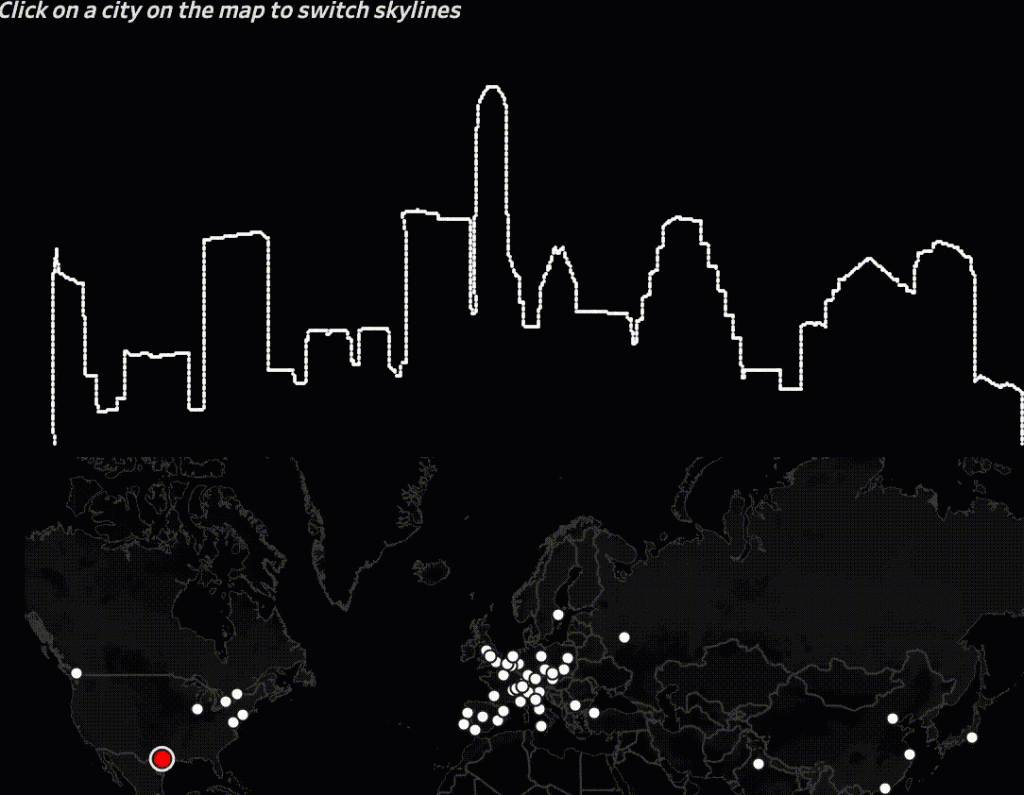
Showing the Skylines of cities in Tableau – one by one.
[Read more…] about Moving Skylines of the World
Antichaos
Data Visualisation, Tableau & Data Services
Showing the Skylines of cities in Tableau – one by one.
[Read more…] about Moving Skylines of the WorldThe Top 2000 edition of 2020 isn’t a fancy data visualisation with extensive data-preparation and/or mathematical formulas like last year, but a visualisation with the emphasis on what you can do with relative simple graphical elements. This approach can change the look and feel of a ‘standard’ dashboards significantly
Click on the screenshot to view – and use! – the data visualisation fullscreen.
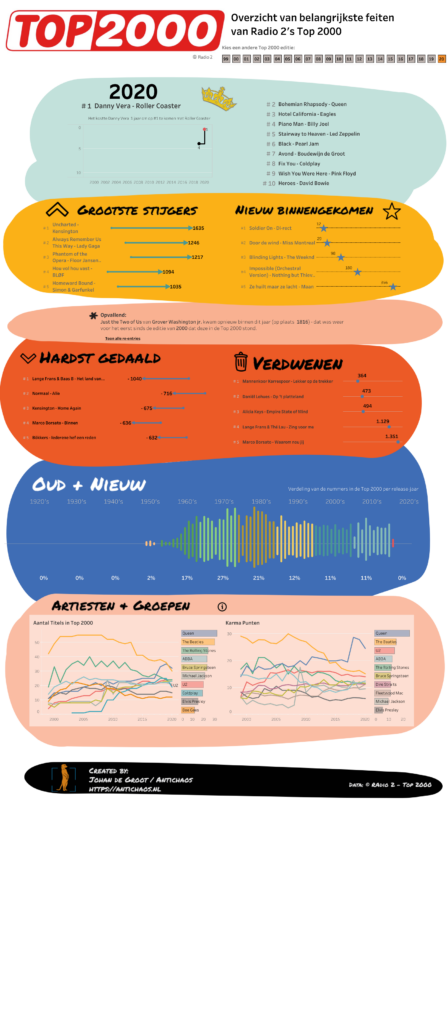
(In Dutch) Voor de editie van 2020 heb ik dit keer niet gekozen voor een extreem fancy datavisualisatie met uitgebreide data-preparatie en/of ingewikkelde wiskundige formules, maar wat meer nadruk gelegd over hoe je met relatief eenvoudige grafische elementen je een dashboard een compleet ander uiterlijk kunt geven dan een ‘standaard’ dashboard.
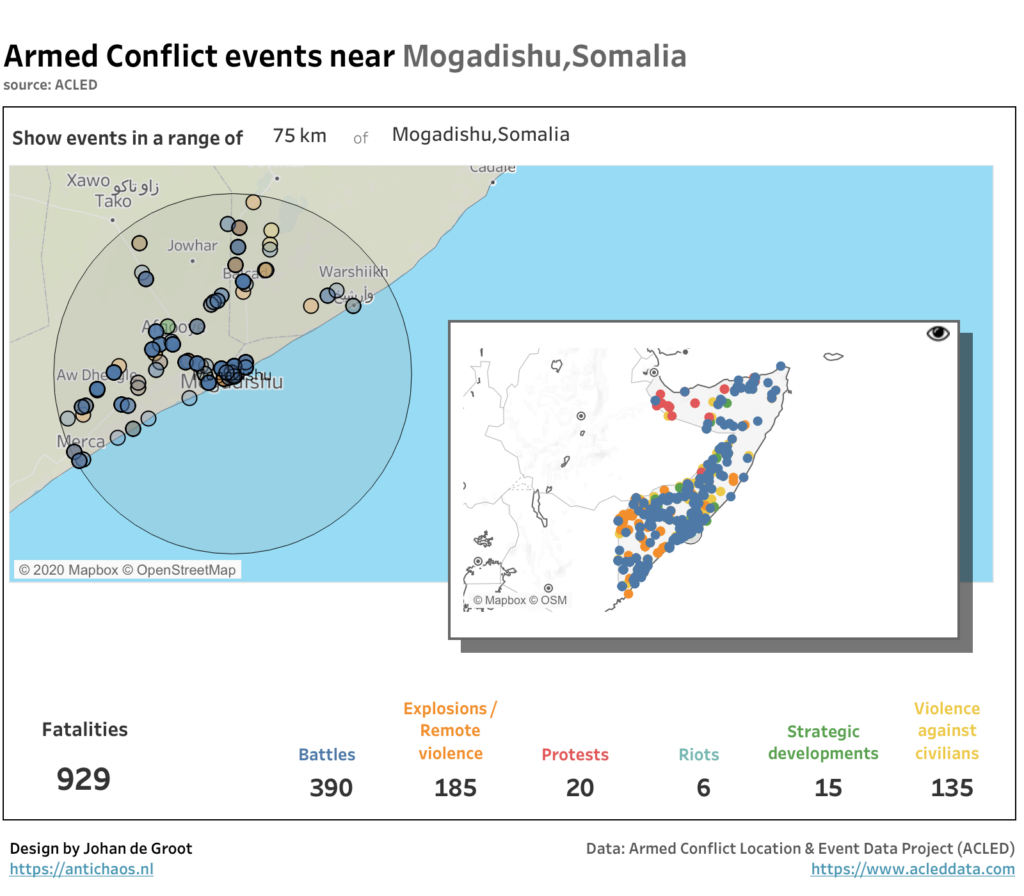
[Read more…] about Top 2000 visualisatie – editie 2020The Tableau 2020.4 release comes fully-loaded with tons of great features, including several key updates to boost your geospatial analysis. In particular, the new multiple marks layers feature lets you add an unlimited number of layers to the map. This means you can visualize multiple sets of location data in context of one another, and there’s no need for external tools to build custom background maps.
When you are creating a calculated field in Tableau Desktop, Server of Prep you might want to create some comments to help others see what the purpose of this field is, or explain the calculation that you made. In other situations you might want to test a line of code, and disable a previously written block of code without deleting it.
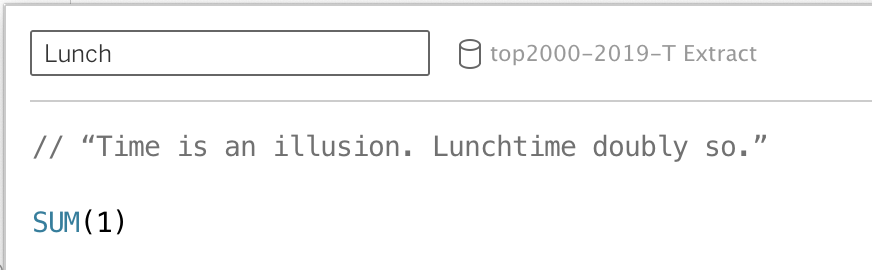
This is all possible using comments in calculated fields.
[Read more…] about Comments in TableauIf you experience 502 errors when downloading large datasets from Tableau Server – either in a browser or Tableau Desktop – you might occur problems not related to Tableau Server, but a proxy or gateway in front of the server.
[Read more…] about 502 errors on datasource downloads from TableauA small tip for a situation that is occurring once in a while to me (probably Mac specific):
If you have been working on a Tableau dashboard for quite a while, you suddenly can’t save the workbook anymore. ‘Save’ results in a popup which disappears very quickly, and ‘Save as’ shows the ‘save as’ dialog for a few milliseconds before disappearing again. Odd behavior – but especially annoying because you really want to save the changes you have made in the last two hours…
[Read more…] about Save a Tableau workbook if you can’t save itWatch my presentation of the Top 2000 jumpchart, held on the Virtual User Group meeting on May 27th 2020:

Many people are kind of scared of using programming language. And sure, if you haven’t any experience using these ‘command line’ tools the learning curve may seem steep. And why should you learn a language like Python, if you have a fantastic tool like Alteryx to process your data?

Ieder jaar maak ik op basis van de laatste Top 2000 lijst van Radio 2 een nieuw (aantal) visualisaties.. De lijst zelf is niet heel erg spannend, dus is het interessant om te zien wat je met de data kunt doen…


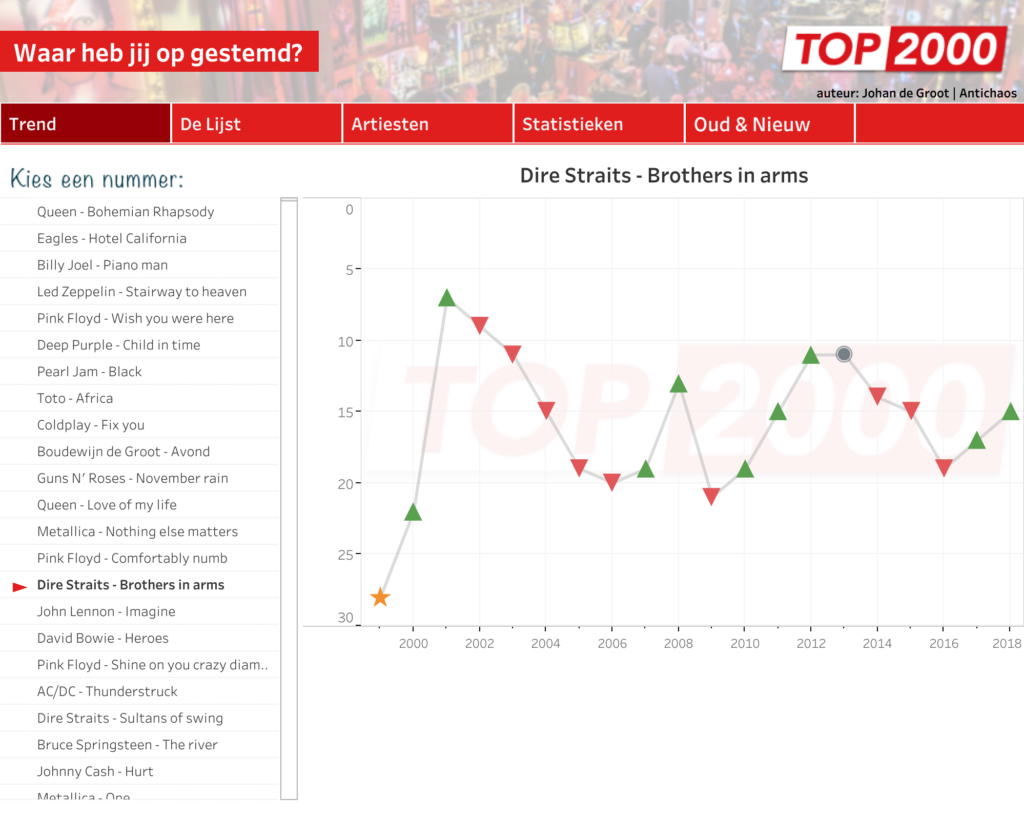
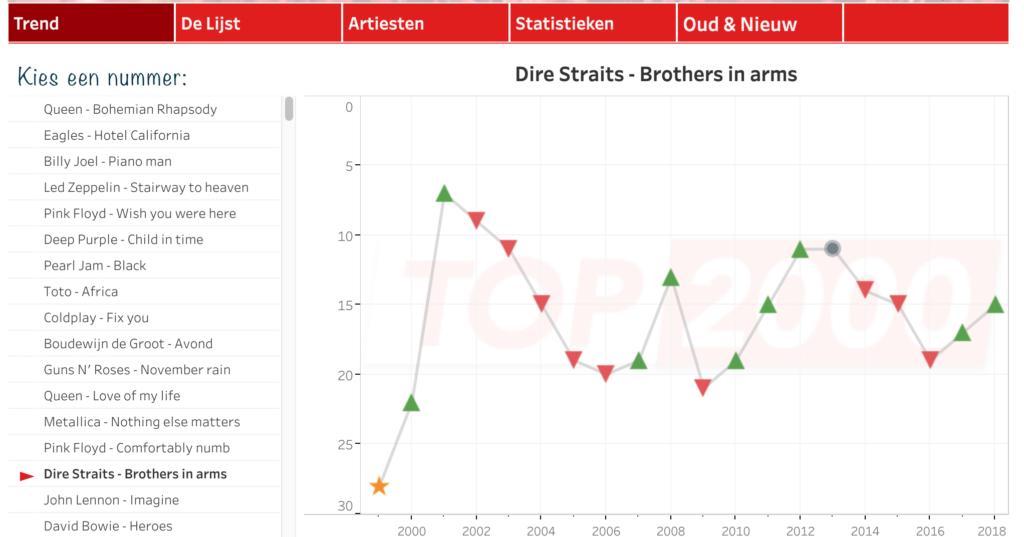
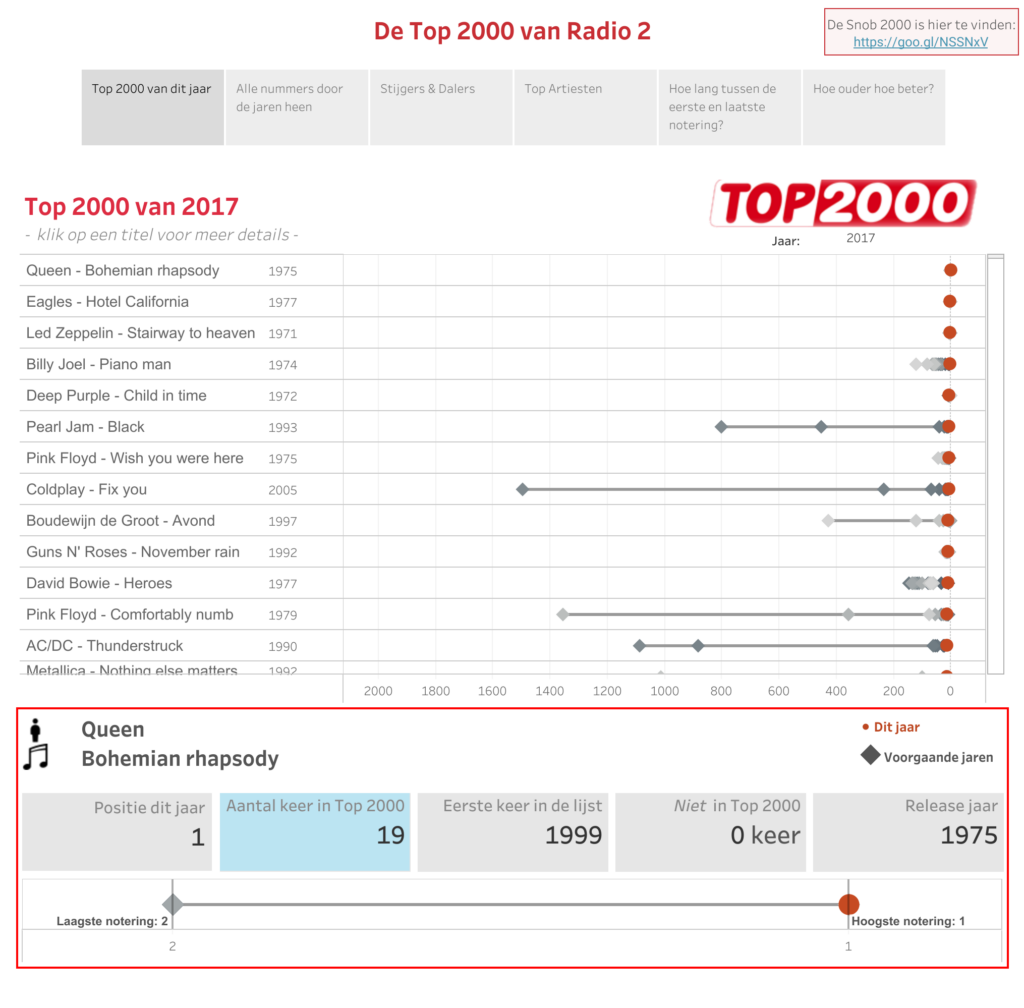
In my annual exercise of visualizing the Dutch Top 2000 I made use of a couple new Tableau tricks, like navigation buttons (a lot of work to create the on all dashboards, but well worth it) and transparent sheets:
If you want to compare last year to this year ‘to date’, you have to take into account that a leap-year adds 1 extra date to the year – so you can’t just compare the day-of-year from this and last year.
Often this filter is used:
DATEPART('dayofyear',[Date]) <= DATEPART('dayofyear',TODAY())
But this is a better one, since this compares day and month:
YEAR([Date]) >= YEAR(TODAY())-1
AND (MONTH([Date]) < MONTH(TODAY())
OR
(MONTH([Date]) == MONTH(TODAY())
AND DAY([Date]) <= DAY(TODAY())))
If you want to have a ‘year to date’ until today (so today excluded), use this one:
YEAR([Date]) >= YEAR(TODAY()-1)-1
AND (MONTH([Date]) < MONTH(TODAY()-1)
OR
(MONTH([Date]) == MONTH(TODAY()-1)
AND DAY([Date]) <= DAY(TODAY()-1)))