
An old but very efficient way to point the attention to a row in a table is to add a small text-based icon in front of it. A subtle dot in front of a bar can help you tell the story of data.
But you might want to use less-subtle ways to highlight data?
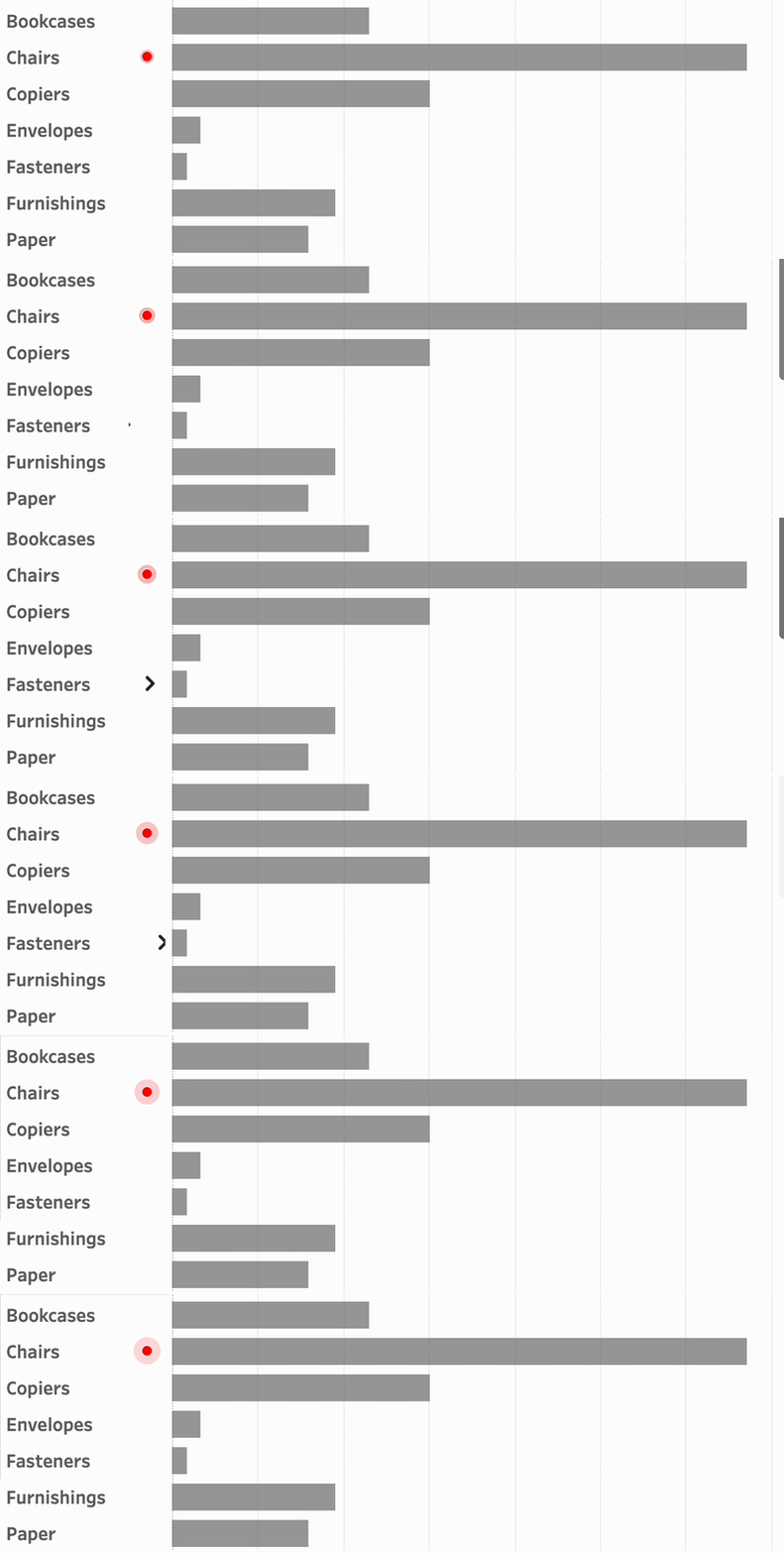
Animation is such a way – and can even add some more fun to a dashboard. In Tableau, this is really easy to accomplish using Image Roles.
The old (and still good) way
For example, a calculation like this show the row with the highest sales value of all subcategories:
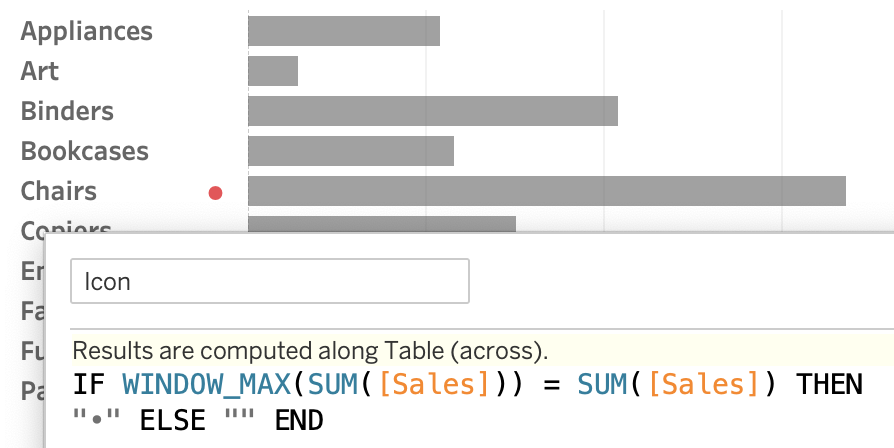
(the dot is UTF-8 text – copying it from a website is often the easiest way to put in in the calculation)
Animated Icons

Instead of text-based icons with limited options, I used animated images. These can be created manually, but online you can find many, many – both free and paid.
Using Tableau image roles you can insert them as a URL. Put “https://assets.antichaos.net/pulsating-dot/pulse1-2.gif” in a calculation field, and change field to Image Role – URL:
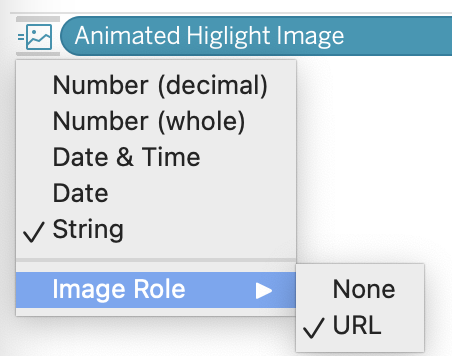
You can make the image roles conditional. This calculation shows one image on the largest value, another one on the smallest one, and an empty image ‘blank.png’ on all others. (The latter is needed because otherwise an error is shown.)
// show pulsating dot at largest value
IF WINDOW_MAX(SUM([Sales])) = SUM([Sales]) THEN
"https://assets.antichaos.net/pulsating-dot/pulse1-2.gif"

// show animated arrow at smallest value
ELSEIF WINDOW_MIN(SUM([Sales])) = SUM([Sales]) THEN
'https://assets.antichaos.net/pulsating-dot/pulse1-3.gif'

// on all other - show empty image
ELSE
"https://assets.antichaos.net/pulsating-dot/blank.png"
END
Usage in a dashboard

Put into the Superstore dataset as a header, and the images appear in your live dashboard:
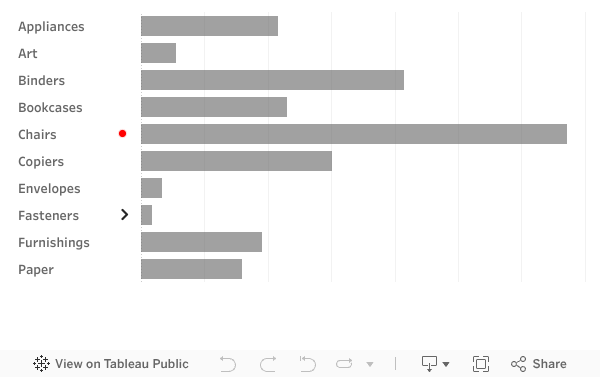
A little warning – the animations won’t show up in Tableau Desktop, only on Tableau Server and Cloud.
These are just two examples: a pulsating dot and an animated arrow. Be creative: use animations which represents the right attention.
You can use the aforementioned images to test in your own dashboards – these will stay online. Soon I will try to get/create some more icons which you can use – suggestions on creative icons are welcome!